
Sites to ports, in one record
Every site, closet, switch and port, and one lasting record for each device you own, with where it is and how it is connected.
One switch, on screen
A switch stack in the demo, with one port selected.
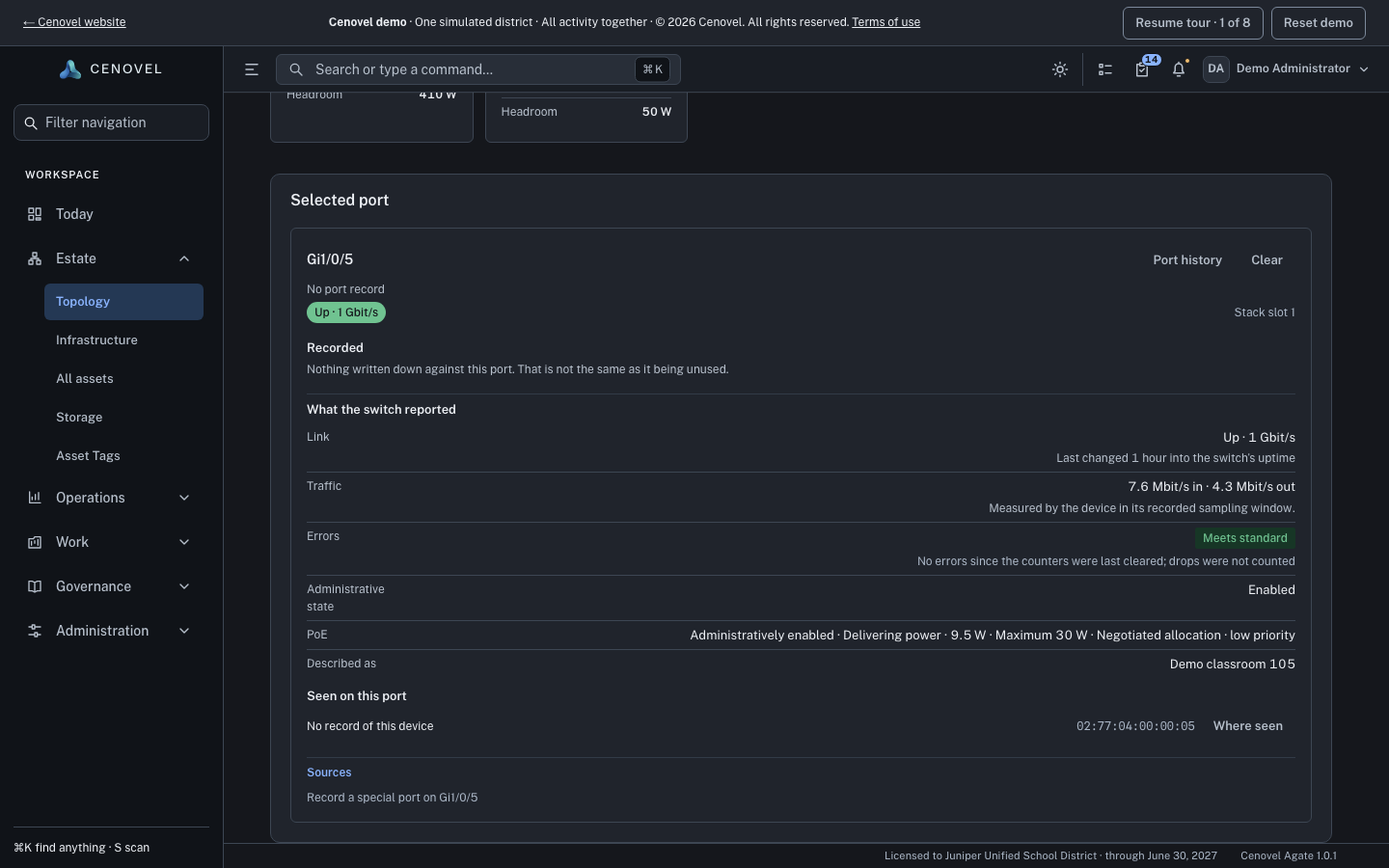
- The faceplate, drawn from the identified model and the stack’s shape.
- Select a port to see what the switch reports for it.
- What your team recorded for the port, such as its jack, kept apart from what the switch reported.
- What the switch reported for the port, and when it was read.
In detail
What it does, point by point, with the guide for each part.
Every place, down to the port
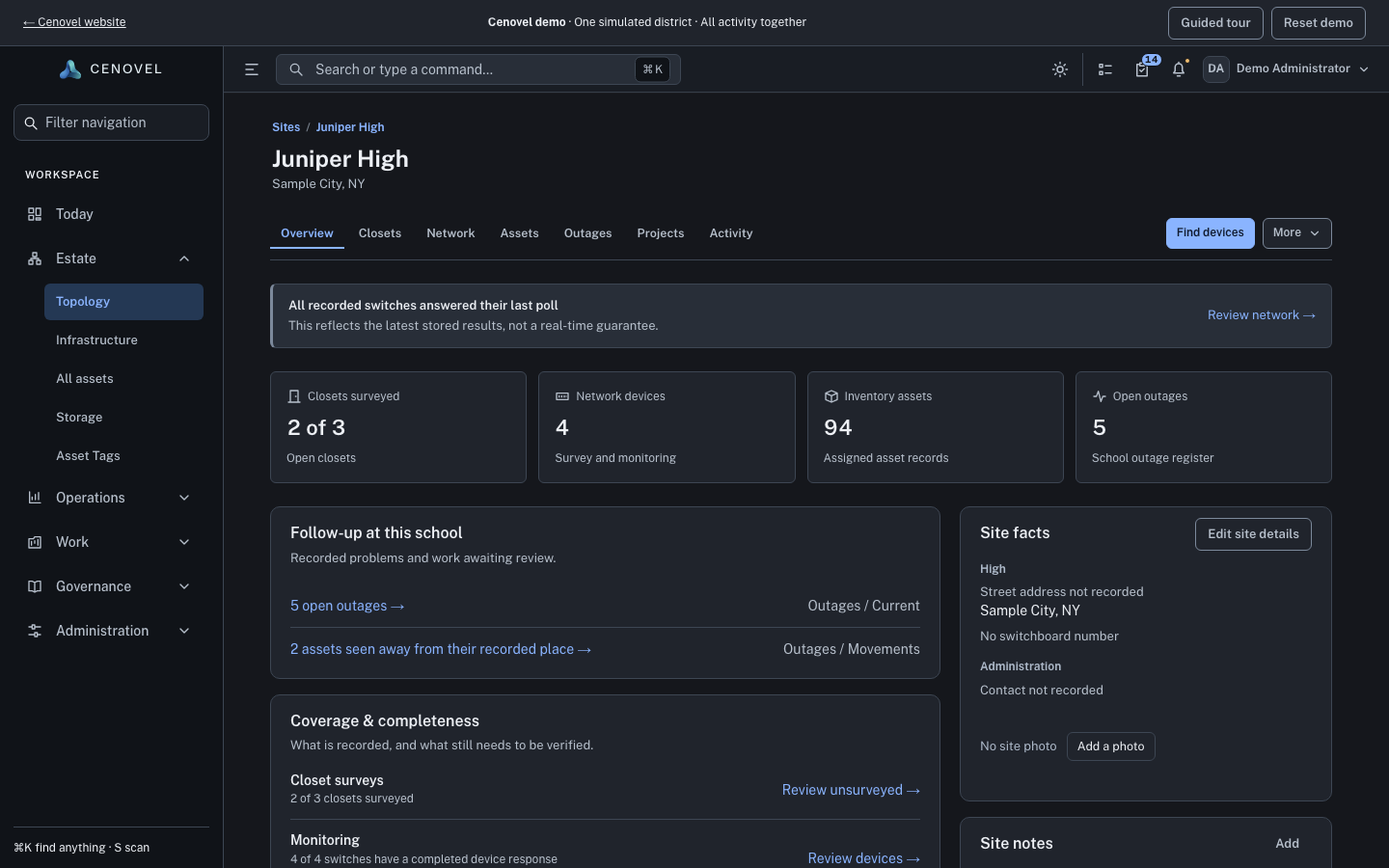
Sites, closets, stacks, switches and ports in one picture, each with what it last reported and when.
- Each site has a type, such as Elementary or Office, that groups it in lists and reports and decides whether its outages are urgent.
- A closet keeps its survey: status, who surveyed it and when, the floor and room, and how to get in.
- A switch page draws the faceplate from the identified model and the stack’s shape.
- Select a port to see what the switch reports for it, such as link, speed, PoE and the neighbor or addresses learned there, depending on the model and how it is read.
Guide: Work with a switch or stack Sites, closets, stacks and ports
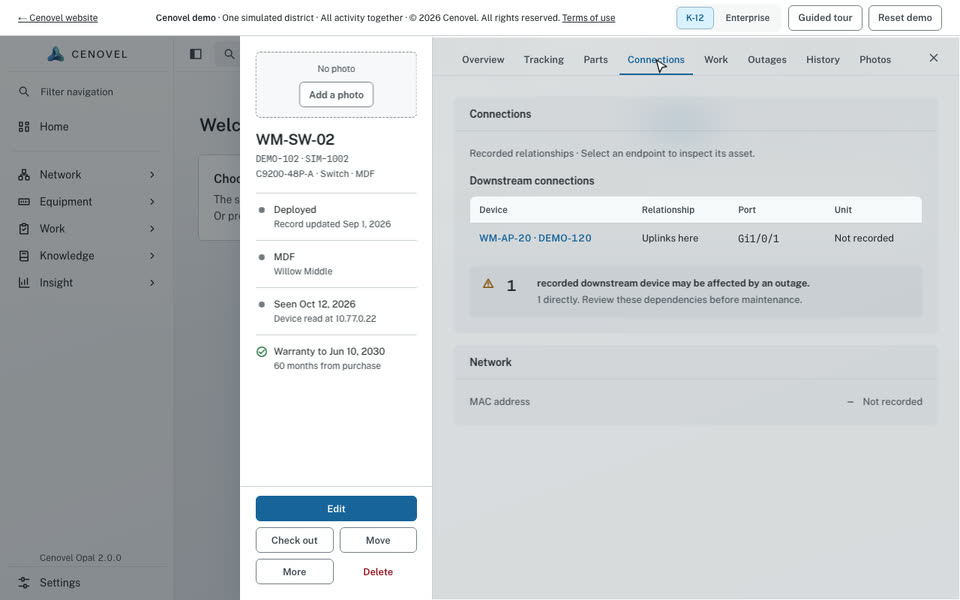
One record per device
The continuing record of one physical item, from receiving to storeroom, closet, checkout, repair and disposal.
- Model, serial, asset tag, place and history on one record. A model describes the product; a serial identifies the item.
- Find any record with Ctrl+K: names, asset tags, serials and addresses all match.
- A move, a checkout and a deletion are different commands, each kept in the record’s history.
- A deleted record stays restorable for 30 days by default, and one with funding, replacement, RMA or disposal history is never removed for good.
Bring your network in
Start from what you already have: a spreadsheet, and the management networks you already run.
- Import sites, closets and switch management addresses from one spreadsheet (CSV or Excel, up to 5,000 lines). Cenovel checks the file and writes nothing until every line passes, then writes it in one step.
- Find devices on the private management networks you list, each up to a /22. What answers waits in a review queue; nothing is added to the record until someone adds it.
- An existing record is matched by a unique serial first, never by an ambiguous name.
Plan a closet visit Work with a switch or stack Status states
See it with your own network
A short call and the live demo, then a trial or a pilot on your own appliance.