
What Cenovel models
The five kinds of record Cenovel keeps, and how they relate.
ConceptReviewed against the application source on 3 October 2026
Five kinds of record
Cenovel is the district’s record of its network. Everything in it is one of five kinds of record, and each is linked to the others.
One record, its context
- Equipment
- One record per physical device: its catalog model, serial and asset tag. A serial belongs to one record; Cenovel refuses a second record with the same serial.
- Places
- Sites, each with a type the district names (a type can mark its sites as priority facilities), the closets inside them, and storerooms for stock. Equipment is placed in a closet position or a storeroom.
- Observations
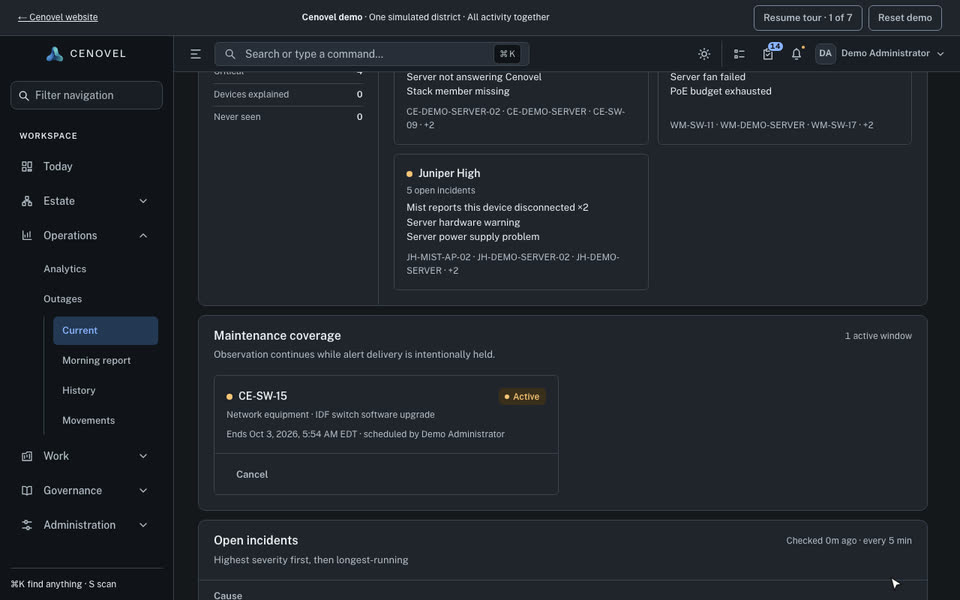
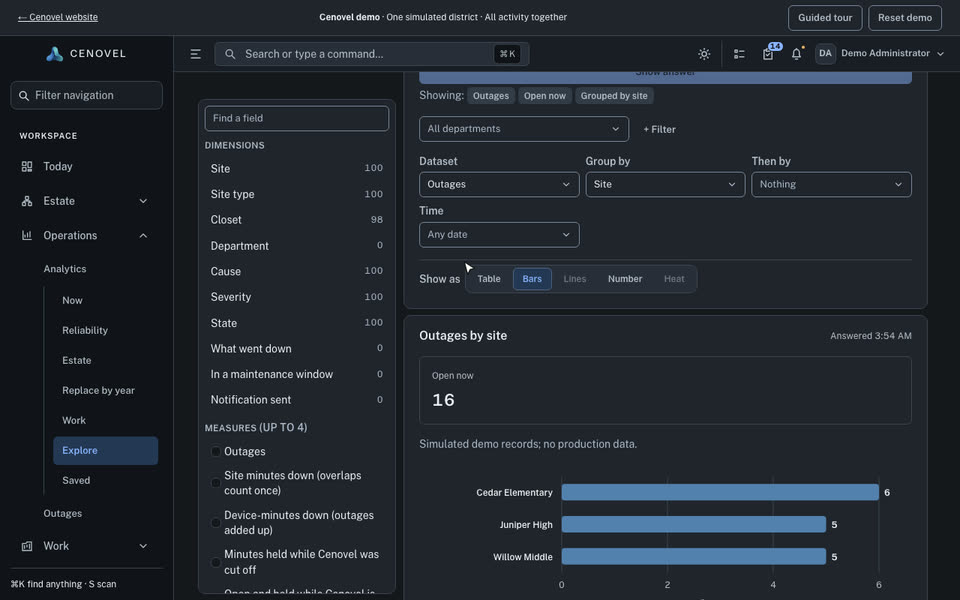
- What Cenovel saw when it read a device over SSH or SNMPv3, read a server’s management controller, or asked a controller such as Juniper Mist. An outage is a finding from those reads, dated, with its evidence.
- Work
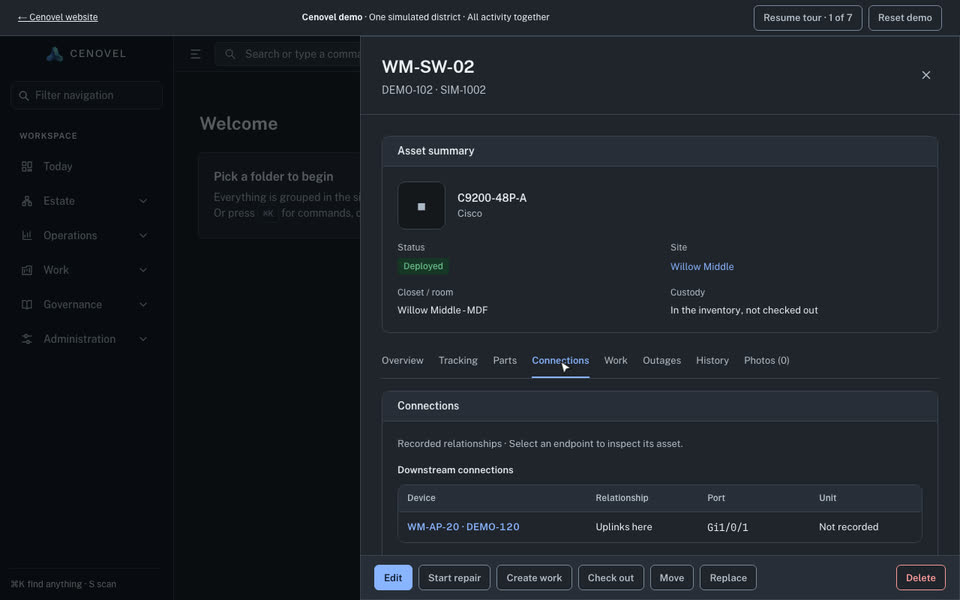
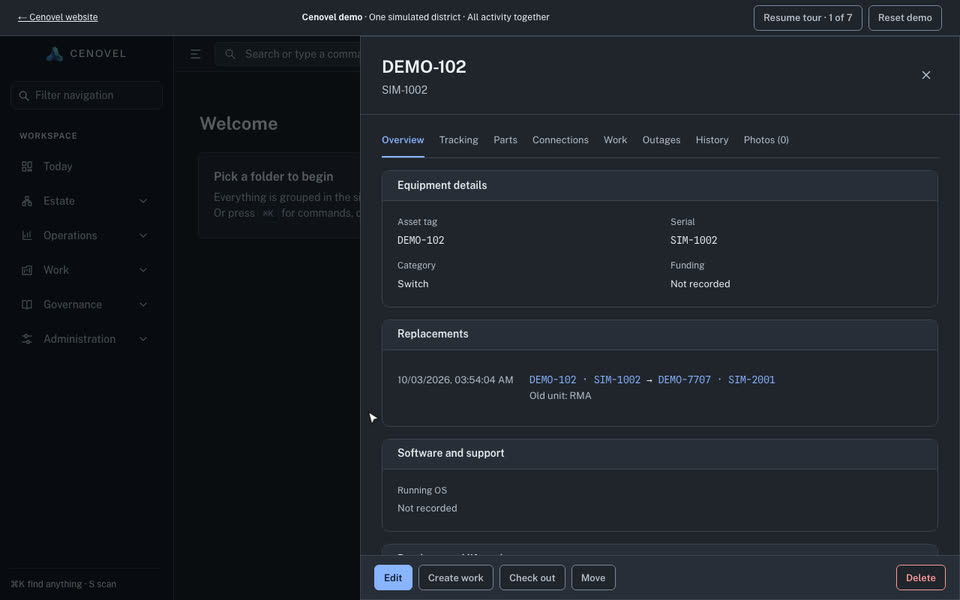
- Projects, repairs and RMA cases, checkouts, replacements, disposals and maintenance windows, each attached to the equipment and place it concerns.
- Evidence
- Funding and E-Rate attribution, how long a record must be kept, documents, exports and an audit trail of who changed what.
How the records relate
- A position in a closet (a switch, a stack member, a power-supply bay) is separate from the unit fitted there. When hardware is swapped, the position keeps its name, ports and address; see Replacement and disposition.
- An observation never rewrites the record by itself. A read that cannot reach a device says the device is not answering Cenovel; it does not mark the equipment as failed.
- Statuses carry a fixed product state, so a district can name them freely without changing what Cenovel does; see Status states.
- A record with funding, E-Rate, disposal, replacement or RMA history is never removed for good, and shows how long it must be kept.
Watch it work
Short recordings of the demo console doing four everyday tasks. Each plays while it is on screen and loops; choose another task to switch.
What it looks like
These screens are from the public demo, which runs the real console against a fictional district. The console is for desktop browsers.
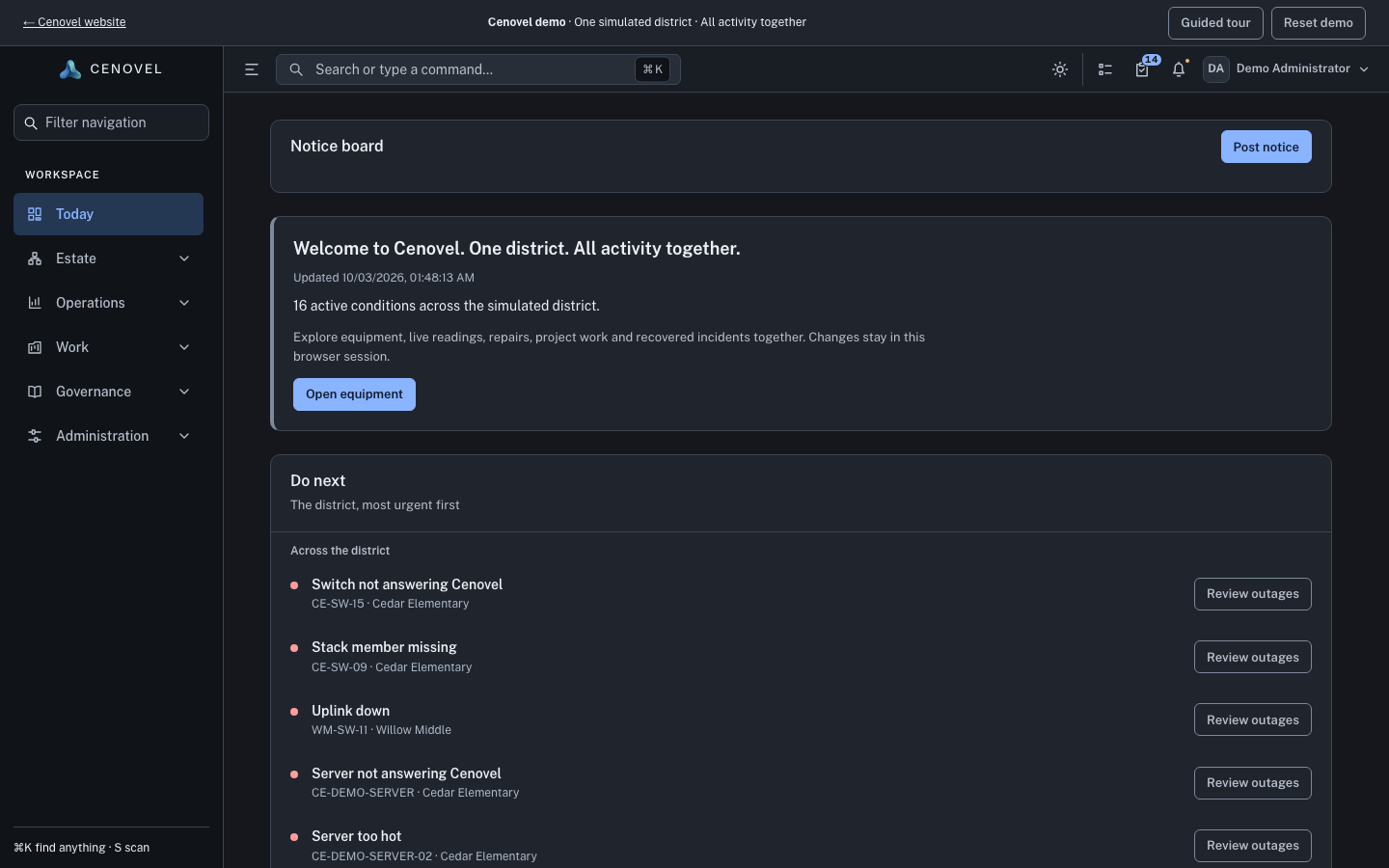
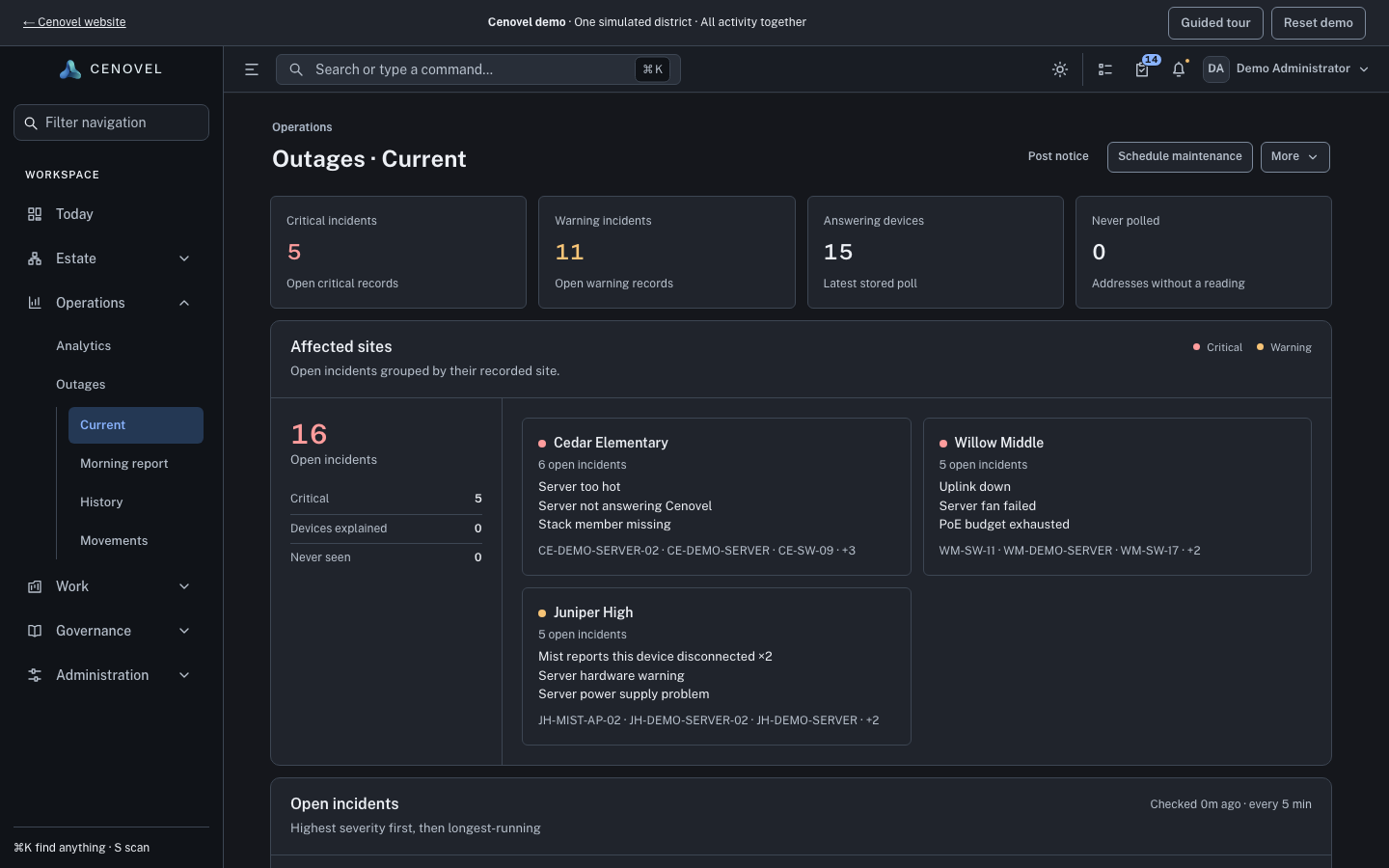
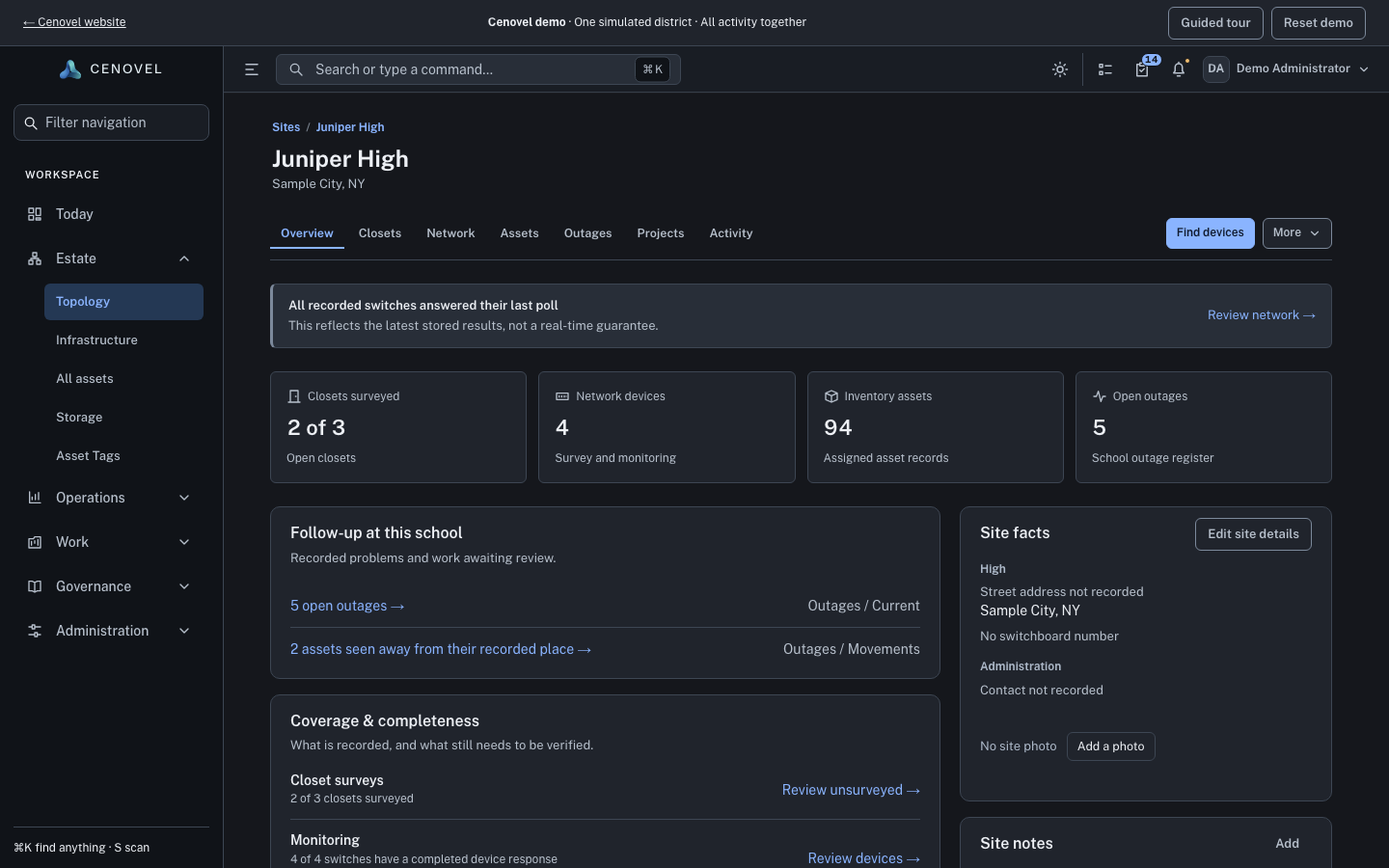
Every screen above is live in the demo.
Open the demoWho uses which part
- Network teams start from sites, closets, device reads and outages to trace a problem back to the equipment.
- Field and asset teams keep stock, tags, checkouts, repairs and disposal on the same records.
- Technology leadership plans refreshes from projects, lifecycle standards and E-Rate funding evidence.
Where to go next
- Plan and install the appliance.
- How Cenovel reads devices.
- Run a maintenance window, a guide with a simulator.
Describes the release being prepared for deployment. Check the behavior on your installed release.