
Start your day from Home
Read Home: one line about the whole network, what is coming in the next two weeks, what changed since your last visit, and where to act.
GuideReviewed against the application source on October 12, 2026
The question
Is anything wrong, what is coming, and what changed while I was away? Home answers calmly. It is never a list of problems: open outages live under the header’s outage signal and on Outages. Choose Home at the top of the sidebar, or the Cenovel logo. The page’s own heading reads Today.
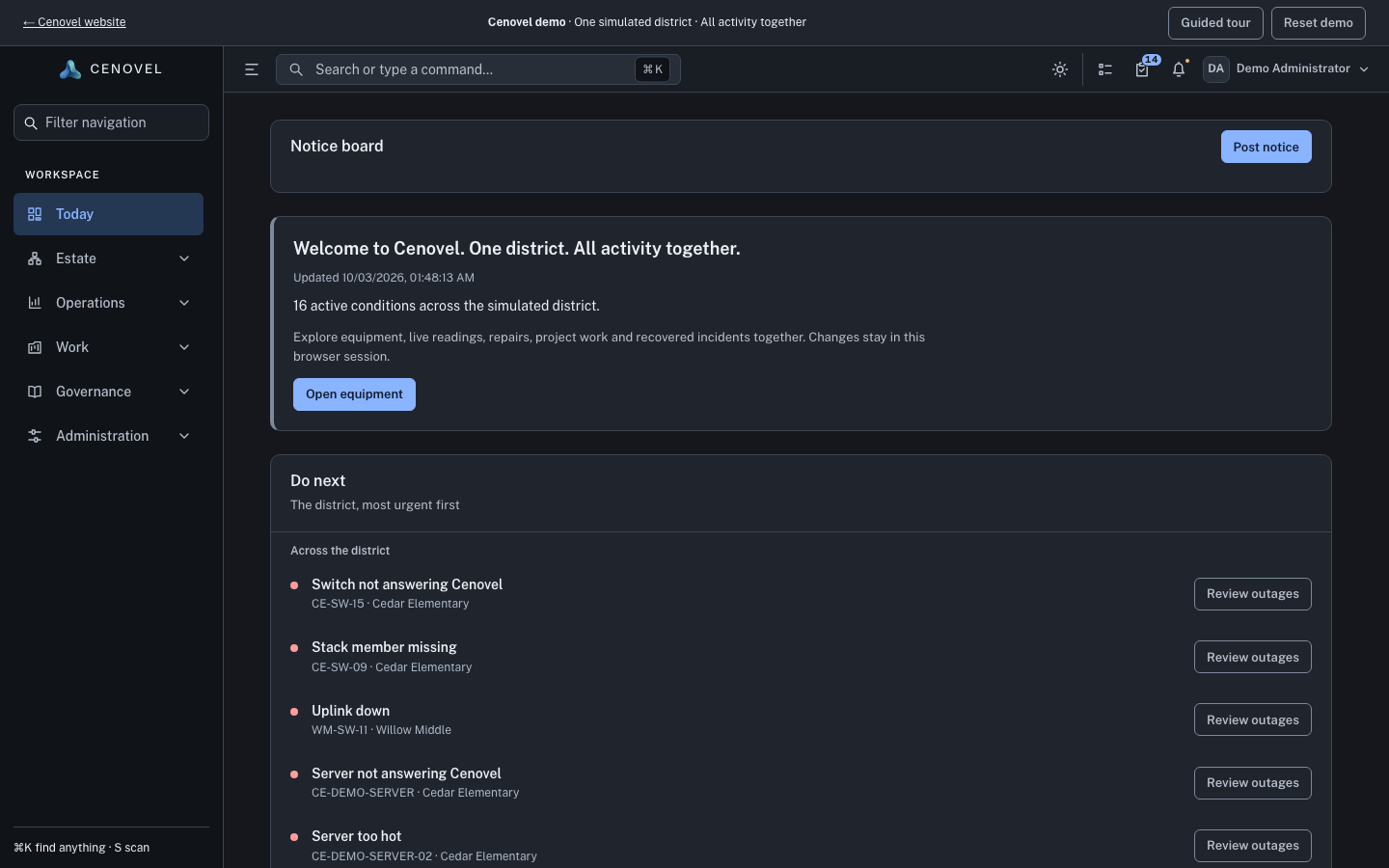
Read it top to bottom
- Notice board
- Shown only while someone has posted a notice. People with posting rights add one from More › Post notice.
- Set up Cenovel
- On a new console, a checklist of ten steps in two parts, Read your network and Keep an inventory. Each step is ticked by what you record, never by a click, and each unlocks the next. Dismiss hides it.
- The greeting
- One line about the whole network, such as “All 12 sites answering Cenovel”, “11 of 12 sites answering Cenovel”, or “3 open outages at 2 sites”. When Cenovel can’t reach the management network it says so, because it then can’t tell what is down.
- Coming up
- The next two weeks: project work, warranties and end of support, battery service, each maintenance window and each E-Rate cycle’s next step.
- Since your last visit
- Outages resolved, devices answering again, work completed, vendor cases resolved, found devices others decided and assets added or removed, then up to eight lines under On the network. With no recorded visit it covers the last day.
- Your places
- Up to five bookmarks and five places you opened recently.
Act from it
- Choose Open morning report for the report written this morning.
- Choose the outage signal in the header for the worst open outages.
- Open My work in the header for your projects, assignments, found devices waiting for review and the Decision queue: everything waiting on your decision, oldest first, each opening where it is decided.
Home is the first page of the demo.
Open Home in the demoSee also: Find your way around · Work an outage
Describes the release being prepared for deployment. Check the behavior on your installed release.